01
Create your account
Follow the account setup and sign-in instructions.
Verify your identity, review application requests, and manage the information you share through UnifyID.
Availability depends on your country.
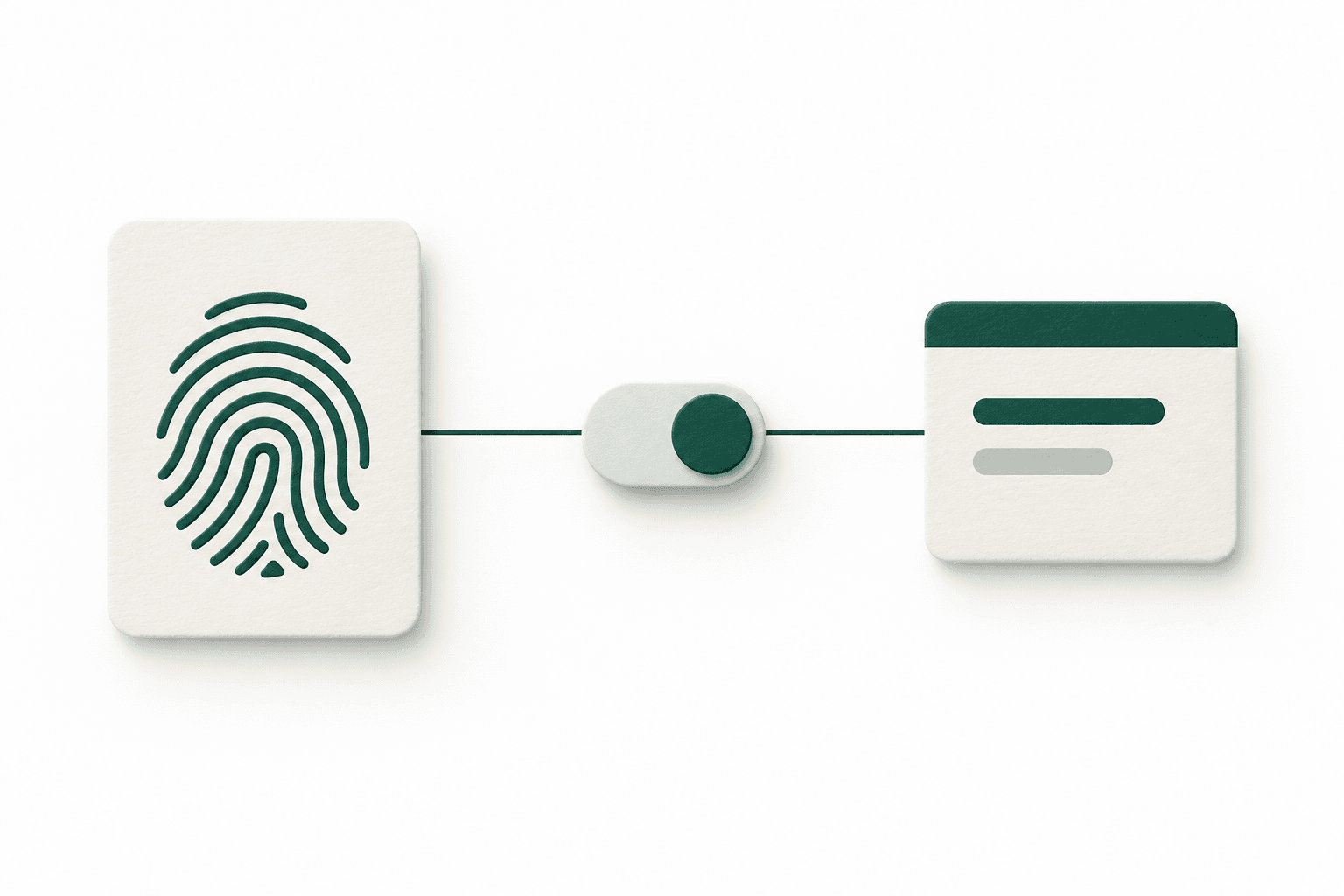
Use UnifyID with participating applications. Additional verification or sign-in checks may be required.
Follow the account setup and sign-in instructions.
Use a supported document and complete the required checks.
See the application and requested information. Approve or decline.
Review your connections and withdraw permissions you no longer want.
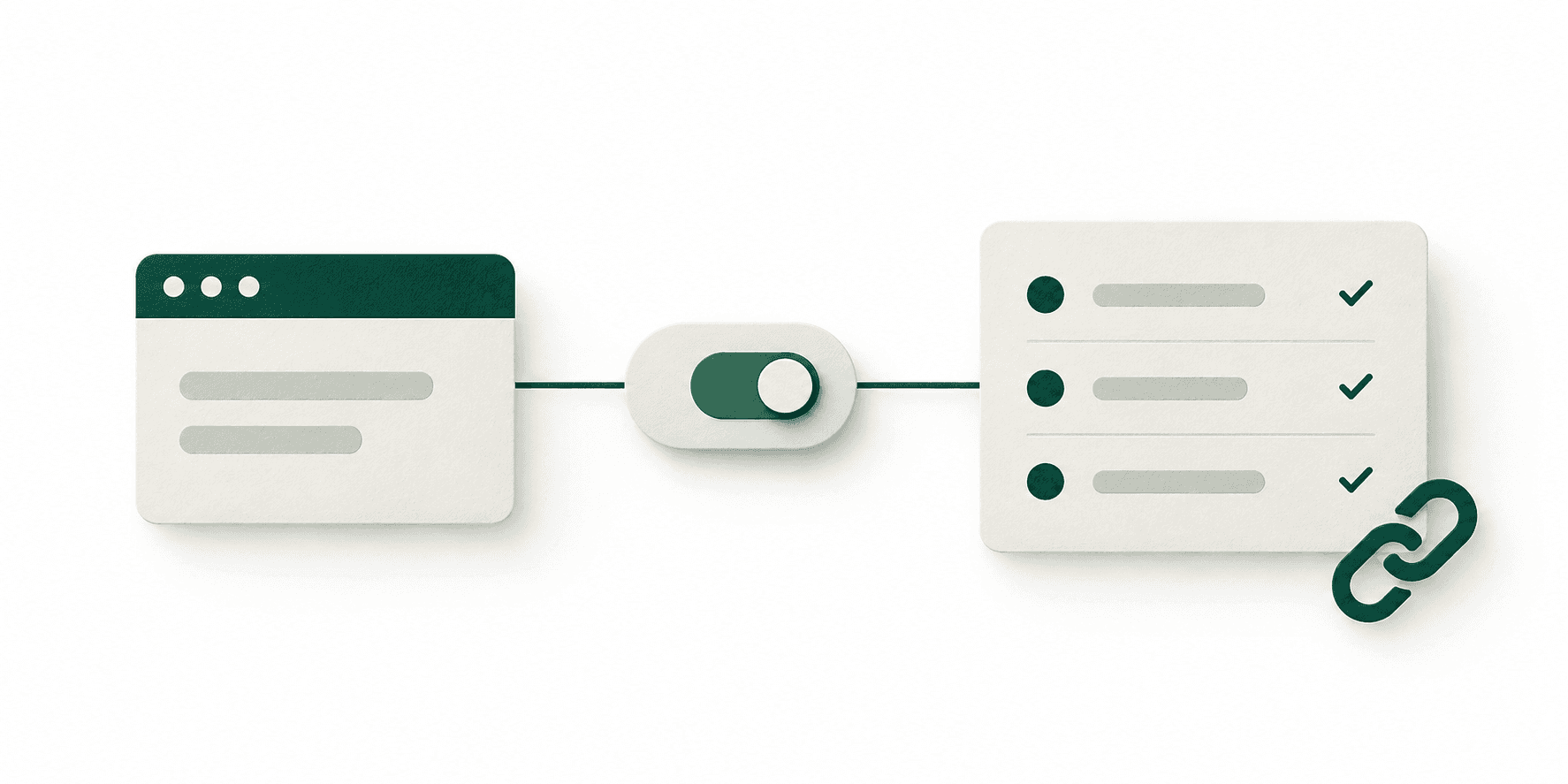
Review the applications you’ve connected, manage their permissions, and follow the sharing activity recorded by UnifyID.
Use the available account and privacy tools, or contact support for help.
Follow the available recovery steps. The checks depend on your account and situation.
Ask for a correction or report a concern through the available support channels.
Withdraw an application’s permission. Previously received information may remain with that application.
Request a copy, ask for corrections, or submit deletion and processing-related requests. Outcomes depend on the information involved and applicable requirements.
Withdrawing permission stops future access through that permission. It does not automatically delete information an application has already received.
Read the published notices
Answers to the questions that matter.
Check availability and follow the steps to create your UnifyID.