01
Review the request
Approve the displayed request or decline it.
Understand what happens when you use UnifyID with an application.
Consent is shown on a UnifyID-owned page.
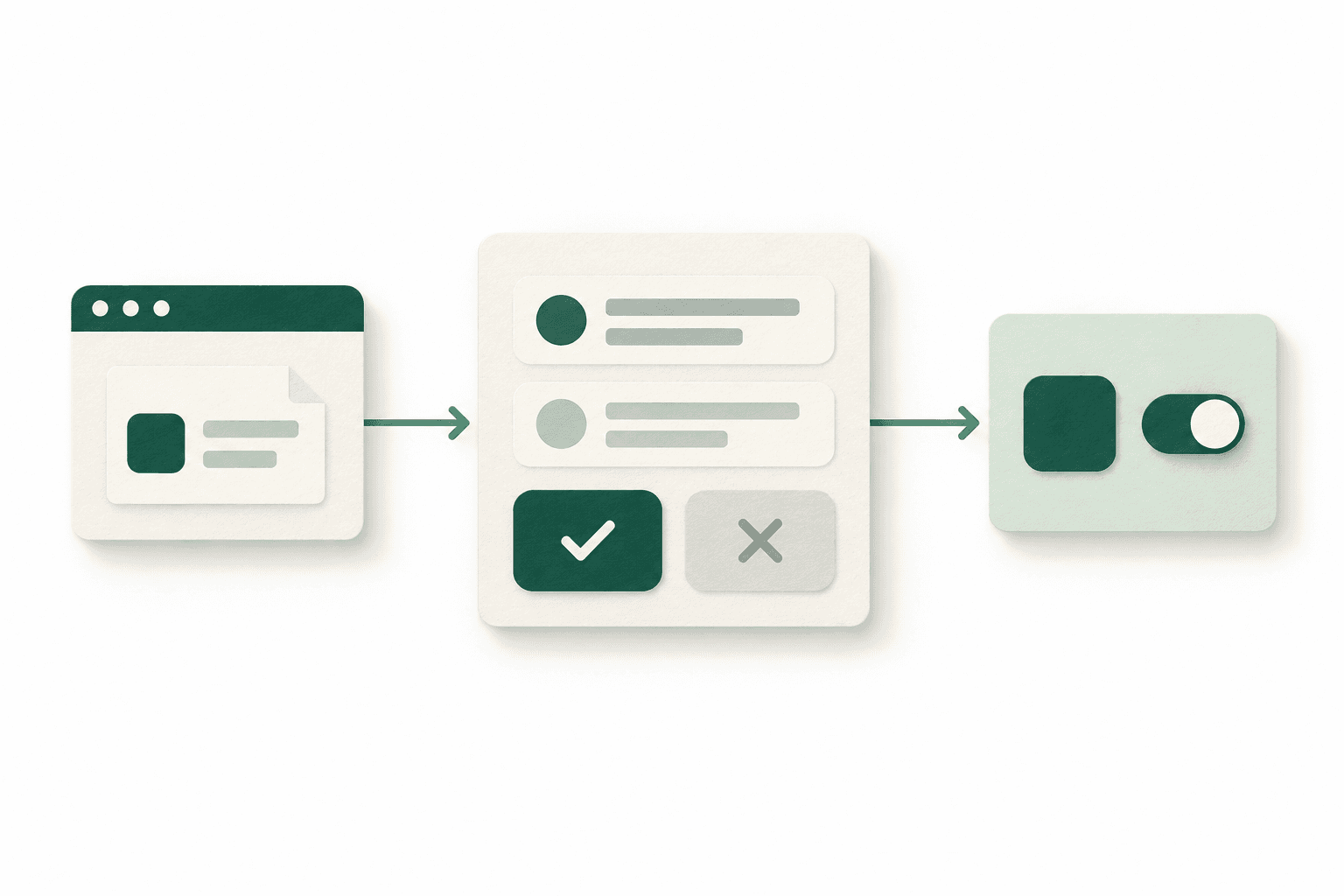
An application starts a request. You complete the required sign-in steps, then review the information it asks to receive.
Approve the displayed request or decline it.
After approval, the application completes authorization and receives the permitted response.
Manage the connection later in your UnifyID account.
You review the request. UnifyID performs its verification and authorization steps. The application explains its purpose and is responsible for handling the information it receives.