Your verified identity
Complete identity verification with a supported document and the checks required for your account.
Use your verified identity with applications that support UnifyID. Review the information they request, decide whether to share it, and manage your connections in one place.
Availability depends on your country.
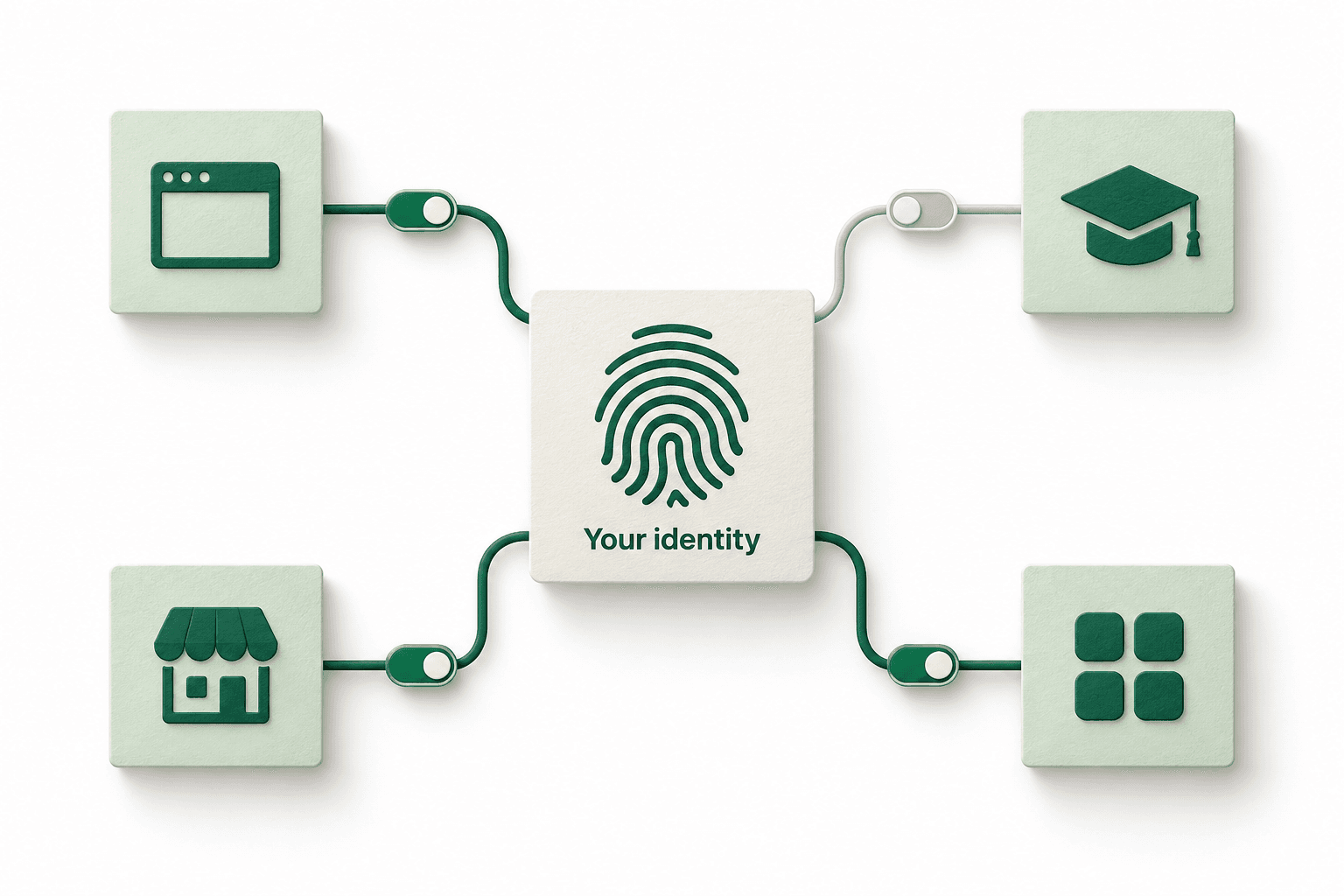
A place to verify your identity, review requests, and manage your application connections.
Complete identity verification with a supported document and the checks required for your account.
Review requests from participating applications and manage the permissions you grant.
Review the sharing and permission activity recorded by UnifyID.

Where supported, an application can request confirmation of an age threshold without receiving your full date of birth in that response.
Use UnifyID with participating applications. Additional verification or sign-in checks may be required.
Follow the account setup and sign-in instructions.
Use a supported document and complete the required checks.
See the application and requested information. Approve or decline.
Review your connections and withdraw permissions you no longer want.
Withdrawing permission stops future access through that permission. It does not automatically delete information an application has already received.
Check availability and follow the steps to create your UnifyID.