01
Start from your application
Start from your application with a sign-in button or link.
Integrate UnifyID sign-in and request supported identity information through a user-approved flow.
Your application still needs to complete authorization and establish its own session.
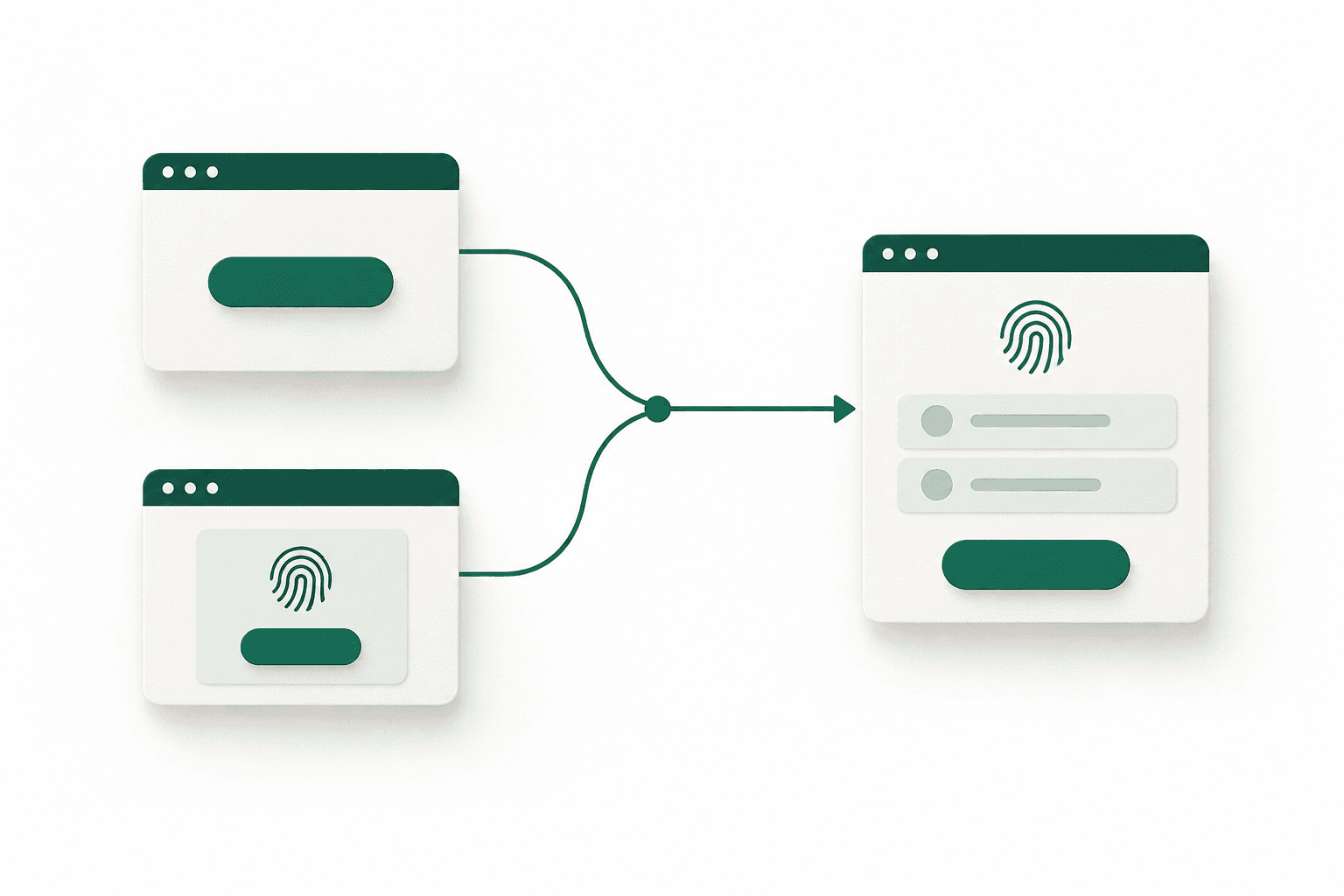
Choose how people begin. Both options take them to UnifyID to review the request and decide what to share. Mobile adapters for Kotlin, Swift, React Native, and Flutter now include native sign-in components designed to open the shared UnifyID experience.
Start from your application with a sign-in button or link.
Add the UnifyID component as a recognisable entry point.
People review requests and choose what to share in the same hosted flow used on the web.
After completing the flow, people return to your application.
Configure permitted scopes and test successful and declined requests with Sandbox test identities. Production uses a separate application record and a review process.